How to Create an Incident Response Plan 2026
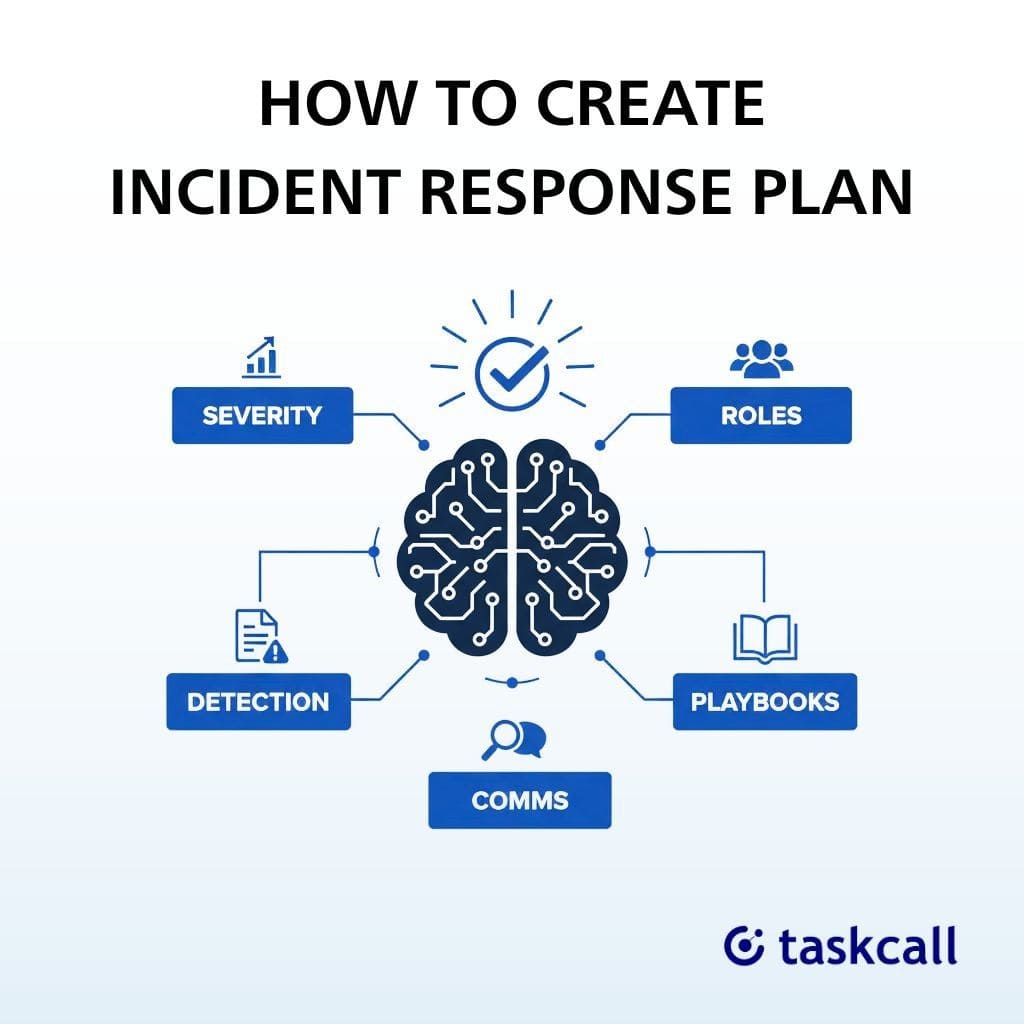
One unexpected outage, breach, or system failure can bring operations to a halt unless you are prepared. That's why building a clear incident response plan is now a standard requirement; it's a core business requirement.
With cyber threats growing more sophisticated and downtime becoming increasingly costly, organizations need a clear, structured approach to detect, respond to, and recover from incidents quickly.
Having a well-defined incident response strategy ensures your team knows exactly what to do when the unexpected happens.
Define Your Incident Severity Classification
The security levels influence the stakeholder communication, team mobilization, and response time. Teams squander time discussing whether a problem is important in the absence of clear definitions. As a result, it causes customers to incur downtime.
SEV-1 (Critical)
Total loss of service or a significant security breach that affects every user. This includes data exposes, database outages, and payment processing failures.
Response times are quick, within five minutes. Executive sponsors and the entire emergency response team mobilize.
SEV-2 (High)
Considerable user impact and considerable feature deterioration. The on-call engineer and technical lead must respond to API performance concerns and checkout slowdowns within 15 minutes.
SEV-3 (Medium)
Minor issues for which there are solutions. During business hours, the on-call engineer must respond to non-critical feature bugs and UI issues within an hour.
SEV-4 (Low)
Minor problems, such as cosmetic UI flaws or documentation mistakes. Assigned team members handle this throughout regular work hours.
Assign Clear Response Team Roles
Role confusion costs minutes during incidents, which add up to prolonged downtime.
- Incident Commander: The only person with ultimate decision-making power. Declaring incidents resolved, making escalation choices, and coordinating all response efforts are all part of this job. Senior engineers or operations managers usually fill this role.
- Technical Lead: Manages fixes across several systems, oversees research and troubleshooting activities, and identifies the underlying problem. This is the job of senior DevOps or infrastructure engineers.
- Communications Lead: Manages the stakeholder updates, status page notifications, and consumer messaging. This role is usually owned by product managers or support managers.
- Subject Matter Experts: On-call professionals who join according to the type of issue, such as network specialists, database administrators, and security engineers.
- Executive Sponsor: In order to make business-level choices, the Executive Sponsor is notified of SEV-1 and SEV-2 occurrences. This role is typically filled by the CTO or VP of Engineering.
Provide primary, secondary, and manager escalation pathways for round-the-clock on-call coverage. Burnout is avoided with one-week rotations. Keep track of holiday and PTO backup coverage schedules and document clear handoff procedures between shifts.
Build Communication Protocols That Scale
Internal Communication Structure
Establish Microsoft Teams spaces or Slack channels specifically for each severity level (e.g., #incident-sev1). For significant occurrences, set up video bridges. To avoid information fragmentation, centralize all updates in one place.
The frequency of updates varies according to the severity: SEV-2 incidents require hourly updates, whereas SEV-1 occurrences require updates every 15 to 30 minutes. What's happening, what's being done, and when the next update is due should all be included in every update.
Clearly define your escalation tree. Executive notice is prompted by SEV-1 occurrences. Legal and compliance teams are automatically notified of security incidents.
External Communication Requirements
After a SEV-1 or SEV-2 declaration, post status page updates within 15 minutes. Notify people via email when outages last longer than thirty minutes. Keep an eye on and react to mentions on social media.
Create templates for typical event categories, such as "We're investigating," "Root cause identified," and "Resolved and monitoring." Keep your tone open, contrite, and solution-focused.
Deliver customer-facing incident reports within 48 hours after resolution and make public postmortems for significant incidents.
Set Up Detection and Automated Escalation
Automated Monitoring Sources
Tools for tracking application performance, such as Datadog and New Relic, identify problems at the application level. System faults are detected by infrastructure warnings via Azure Monitor and AWS CloudWatch. Platforms for aggregating logs, such as Splunk and the ELK stack, find trends that point to issues. Uptime checks and transaction monitoring from external endpoints are made possible by synthetic monitoring.
Human Detection Sources
In addition to automated systems, customer support tickets, social media mentions, internal team observations, and vendor notifications are used.
Escalation Workflow
The monitoring system notifies the on-call engineer by phone and SMS when an alert goes off. The warning escalates to the secondary on-call if the engineer does not respond within five minutes. The manager is notified if there is no acknowledgment within ten minutes. SEV-1 incidents circumvent the typical escalation delays and cause instantaneous multi-channel notifications.
Alert tuning, threshold optimization, and post-event alert evaluations can all help reduce false positives. To avoid alert fatigue, use the acknowledge and snooze features.
Create Incident Playbooks for Common Scenarios
Playbooks are detailed runbooks for particular kinds of incidents. The symptoms of an event, the first five minutes of triage, investigative checklists, standard resolution methods, rollback and recovery phases, and escalation criteria are all included in each playbook.
Database Performance Degradation Playbook
Check connection pool metrics, look at slow query logs, find blocking queries, scale read replicas as necessary, and undo recent schema modifications.
Security Breach Response Playbook
Immediately isolate impacted systems, save forensic evidence, alert legal and the security team, record the chronology of events, and modify passwords and access tokens.
Third-Party Service Outage Playbook
Verify vendor status pages, put failover protocols in place, activate service degradation mode, and inform clients of dependence status.
Playbook for Failed Deployment
Determine the deployment timestamp, carry out an automated rollback, confirm the stability of earlier versions, and record failure information.
Playbooks should be reviewed every three months and updated with new information following each incident. For change tracking, keep playbooks in wiki platforms or version control systems like Git.
Implement Blameless Post-Incident Reviews
Post-event evaluations enhance team performance and stop recurrence. Postmortems should be scheduled within 48 hours of the incident's conclusion while the details are still new.
Incorporate all responders, impacted team members, and pertinent supervisors. Create action items with designated owners and timeframes, record the entire timeline from detection to resolution, utilize the 5 Whys method for root cause analysis, determine what worked well, and identify areas for improvement.
Track These Metrics
Mean Time to Detect (MTTD): The time between an issue occurring and an alarm being acknowledged.
Mean Time to Acknowledge (MTTA): Tracks alert to engineer response time.
Mean Time to Resolve (MTTR): The detection to full resolution length is captured by MTTR.
Customer Impact: Record the impact on customers, including the number of impacted users, the length of the outage, and the impact on revenue.
Assign corrective actions in your project tracker, add lessons learned to pertinent playbooks, and disseminate results within the engineering department. Monitor the completion of action items until they are closed.
Test Your Plan Regularly
Tabletop Exercises
During team meetings, walk through incident scenarios without using real systems. Maintain response preparedness by conducting exercises every three months for each major service.
Fire Drills
Set off simulated incidents in staging areas and respond as a team would to actual incidents. Conduct critical system drills once a month.
Chaos Engineering
To increase system resilience, use techniques like Netflix's Chaos Monkey to implement controlled failure injection in production.
Plan Upkeep
Update contact lists and tool integrations on a quarterly basis. Make thorough revisions every year. After organizational changes, such as new services and team reorganizations, update the documentation. Plan documentation should be kept in version control.
Essential Incident Response Tools
Platform for Incident Management
TaskCall, PagerDuty, and Opsgenie combine communication, alerting, and escalation into one platform.
Monitoring and Observability
Datadog and New Relic are two examples of application performance solutions that keep an eye on the health of applications. System metrics are tracked by infrastructure monitoring using Prometheus and Grafana. Logs are aggregated and analyzed by log management systems like Splunk and ELK.
Communication Tools
Real-time collaboration is made possible by team coordination platforms such as Microsoft Teams and Slack. War room meetings are supported by video conferencing via Zoom and Google Meet. Customers are notified using status pages, such as StatusPage.io.
By lowering the overhead of tool switching, enabling automated workflows that do away with manual steps, offering a single source of truth for incident data, and producing superior post-event analytics, integrated platforms enable shorter response times.
Checkout TaskCall's integrations with more than 50 products, including AWS, Datadog, Zendesk, Azure, and Slack.
Start Building Your Plan Today
Seven areas must be systematically executed to create an incident response plan: automated detection and escalation workflows, documented playbooks for common incidents, blameless postmortems following each incident, regular testing with continuous improvement, clear team roles with round-the-clock coverage, communication protocols everyone understands, and severity level definitions matched to business impact.
What you should do right now:
- This week, set up a launch meeting for your incident response team.
- Make your first three playbooks for the types of incidents you encounter most frequently.
- Establish primary and secondary coverage for your basic on-call rotation.
- Share your severity level definitions with the engineering and operational teams by documenting them.
When production fails at two in the morning, the greatest incident response strategy is the one that your team actually employs. Start small, test often, and make adjustments based on lessons learned from actual incidents.
Get automatic issue management for up to ten users by starting your free TaskCall trial, which doesn't require a credit card. Get on-call scheduling, integrations, and round-the-clock customer assistance to make sure no issue gets unreported.
FAQs
What's an incident response procedure?
An incident response procedure is a methodical, recorded, and structured methodology used by companies to identify, contain, and recover from cybersecurity breaches or assaults.
What are the phases of incident response?
Preparation, Identification (Detection), Containment, Eradication, Recovery, and Lessons Learned are the main phases of incident response, which comprise an organized lifecycle intended to efficiently manage cybersecurity problems.
What's the main objective of an incident response plan?
An incident response plan's (IRP) primary goal is to offer a methodical, effective, and quick way to identify, contain, eliminate, and recover from cybersecurity issues.
How often should an incident response plan be updated or tested?
Although quarterly or biannual testing is advised for high-risk workplaces, an incident response plan (IRP) should be revised and tested at least once a year. In order to fill in any holes, plans must also be updated right away following a real-world incident or major changes to personnel or technology.
You may also like...
Learn 10 incident response best practices for 2026 to minimize downtime, reduce risk, and boost resilience with proven strategies, tools, and expert insights for faster, smarter security response.
Learn 10 incident management best practices to reduce MTTR, improve response times, minimize downtime, and keep teams aligned during critical IT incidents.